
How to Search Lancaster County Traffic Court Records
Traffic matters in Lancaster County usually begin in the Magisterial District Courts. The public docket for those cases lives on the statewide Pennsylvania UJS Case Search. That free tool covers Magisterial District Court traffic cases, non-traffic summary cases, and Common Pleas matters across the state. Set the county filter to Lancaster, and a wide statewide search trims down to local results. The system shows active, closed, paid, and dismissed cases when public access allows. It is the first stop for almost any Lancaster County traffic court records search.
Bring what you have before you start. The citation number is the strongest key. It is printed on the ticket and often runs as a letter, digits, and a dash, like A5368532-1. A driver name also works, and so does a Magisterial District Court docket number that begins with MJ. The more you bring, the fewer false matches you get.
- Open the Pennsylvania UJS Case Search and pick a search type from the Search By menu.
- Enter the citation number exactly as printed, or type the driver name.
- Set the county to Lancaster and narrow by case category or a filing date range.
- Open the matching docket and read the charge, plea, and disposition.
- Pay an eligible fine through PAePay, contest the ticket with the issuing court, or ask the court for a certified copy.
UJS is broad, but it is not every document. The portal warns that some cases will not display for legal or technical reasons, including juvenile, expunged, and limited-access cases. So a blank result does not always mean no case exists. Sometimes it means the record is sealed, restricted, or simply not online yet.
Which Courts Handle Lancaster County Traffic Cases
Pennsylvania uses minor courts called Magisterial District Courts for most traffic work. In Lancaster County, a Magisterial District Judge hears traffic citations, non-traffic summary offenses, landlord-tenant disputes, and small civil claims. A speeding ticket, a stop-sign citation, or an equipment violation generally lands with the district court that covers the place the ticket was issued. The judge sets hearings, takes pleas, and enters the disposition that becomes the traffic court record.
Common Pleas comes in on appeal. If a driver loses a summary traffic case before a Magisterial District Judge, the next step is a summary appeal to the Court of Common Pleas, which sits as the Second Judicial District for Lancaster County. The criminal side of those appeals is filed with the Clerk of Courts. The table below maps the main traffic paths.
| Court | Traffic Cases Handled | Where Records Sit |
|---|---|---|
| Magisterial District Courts | Traffic citations, non-traffic summary offenses, preliminary matters | UJS Case Search (MJ dockets) |
| Court of Common Pleas (Second Judicial District) | Summary traffic appeals, serious vehicle offenses | UJS and the Clerk of Courts |
| Superior Court of Pennsylvania | Further criminal and summary appeals | UJS appellate search |
The split matters. A citation search points to a Magisterial District Court docket. An appeal points to Common Pleas. Pick the right court, and the record turns up the first time.
Types of Traffic Cases on Record
Traffic records in Lancaster County cover more than speeding. The court files run from moving violations to non-traffic summary offenses, and each carries its own statute, grade, and possible fine. Most charges cite Title 75, the Pennsylvania Vehicle Code. A docket shows the charge, the offense date, and the outcome. The list below sorts the common groups.
- Moving violations - speeding, running a red light, careless driving, and other in-motion offenses under the Vehicle Code.
- Non-moving violations - registration, inspection, and equipment problems found while a vehicle is stopped or parked.
- Non-traffic summary cases - minor summary offenses that sit beside traffic on the same Magisterial District Court dockets.
- Commercial and CDL violations - offenses tied to commercial drivers, which can trigger added federal and state reporting.
- Summary appeals - traffic cases taken from a district judge up to the Court of Common Pleas for a new hearing.
Serious offenses are a different track. A DUI charge or a high-grade vehicle crime is filed as a criminal case, not a routine traffic ticket. Those appear under criminal dockets on UJS and through the Clerk of Courts.
What Lancaster County Traffic Court Records Show
A traffic docket reads like a short case history. It opens with the citation number and the Magisterial District Court docket number, then lists the parties, the charge, and every event in date order. Traffic dockets use the format MJ-[district]-TR-[sequence]-[year], while non-traffic summary cases use MJ-[district]-NT-[sequence]-[year]. The charge usually cites a Title 75 section. The disposition shows how the case ended, and the financial lines show the fine, costs, and any payment status. The table breaks down the fields you see most.
| Field | What It Shows |
|---|---|
| Citation Number | The unique ticket number, often a letter and digits with a dash, such as A5368532-1. |
| Docket Number | The Magisterial District Court ID, in MJ-TR format for traffic or MJ-NT for non-traffic summary cases. |
| Court and County | The Magisterial District Court number and judge, with Lancaster as the county. |
| Charge / Statute | The offense and the Vehicle Code section charged, usually under Title 75. |
| Plea and Disposition | The driver's plea, the outcome, and the disposition date. |
| Fine and Costs | Fines, court costs, restitution where it applies, and the payment status or plan. |
A few terms trip up new readers. A charge is not a conviction. A disposition is the final outcome of the case. A failure-to-respond entry can show up if a driver ignores the ticket, and an appeal entry shows when a case moved to Common Pleas. Points do not appear here. Points are a PennDOT consequence, not a court field.
Searching by Citation Number vs by Name
UJS lets you pick a search type before you type anything, and that choice shapes the rest of the form. A citation-number search is the most direct route to a single ticket. Type the number exactly as printed, dashes and all, and you land on one docket. A name search casts wider. It can return several people who share a name, so the county filter and a case category help cut the noise. A date-filed search has a 180-day limit on its range, so a wide window will not run.
The first image below comes from the PennDOT public records FAQ, which explains how driver-history requests differ from a court docket search. You can read it on the PennDOT public records FAQ page.
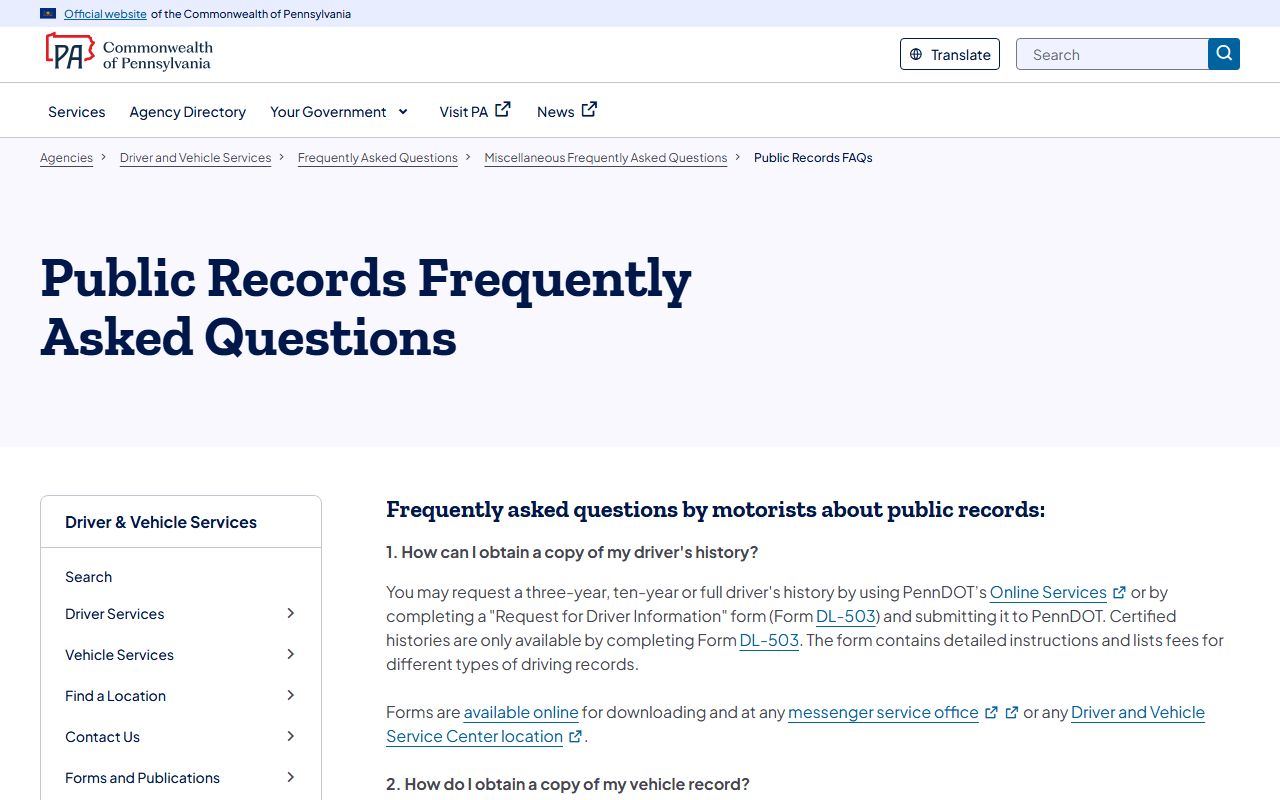
That page is a reminder that a court citation lookup and a state driver-record request use different keys and different systems. The table below lists the fields most people use on the UJS citation lookup.
| Field Label | Type | Required | Notes / Format |
|---|---|---|---|
| Search By | Dropdown | Yes | Citation Number, Participant Name, Docket Number, Date Filed, OTN, Complaint Number, Incident Number, and more. |
| Citation Number | Text | If selected | Includes a dash, such as A5368532-1. |
| Docket Number | Text | If selected | MJ dockets, such as MJ-51301-TR-0009999-2017 for traffic. |
| County | Dropdown | Optional | Choose Lancaster to narrow a statewide search. |
| Case Category | Dropdown | Optional | Includes Traffic, Non-Traffic, Summary Appeal, and other UJS categories. |
| Date Filed range | Date | If date search | mm/dd/yyyy; a 180-day limit applies to date-filed searches. |
Use the citation number when you have the ticket in hand. Use a name search when you do not. For a common name, add the county and a date range to trim the list fast.
Paying or Contesting a Lancaster County Traffic Ticket
The court that issued the citation controls payment and pleas. For eligible court costs, fines, and restitution, Pennsylvania offers PAePay through the UJS Pay Online page. The traffic-ticket option, known as TTCC, lets a driver pay an eligible Magisterial District Court or Common Pleas obligation by card and keep a receipt. The system caps a single transaction at $2,500 for fines, costs, and restitution. Not every case is payable online. Limited-access cases are removed from public view and cannot be paid through the portal.
PAePay shows only obligations a court has approved for online payment. If the Add to Cart button is disabled, or the portal returns a message that payment cannot be made online for the case, the next step is to contact the court where the case was filed. Bail is a separate PAePay track from TTCC, and an unpaid bail balance is not updated until the court processes it. Do not ignore a ticket. Nonresponse can lead to added costs, a failure-to-respond entry, a warrant, or a PennDOT license action.
The image below comes from the official UJS Pay Online page, where PAePay handles traffic tickets and court costs. You can see it on the UJS Pay Online page.
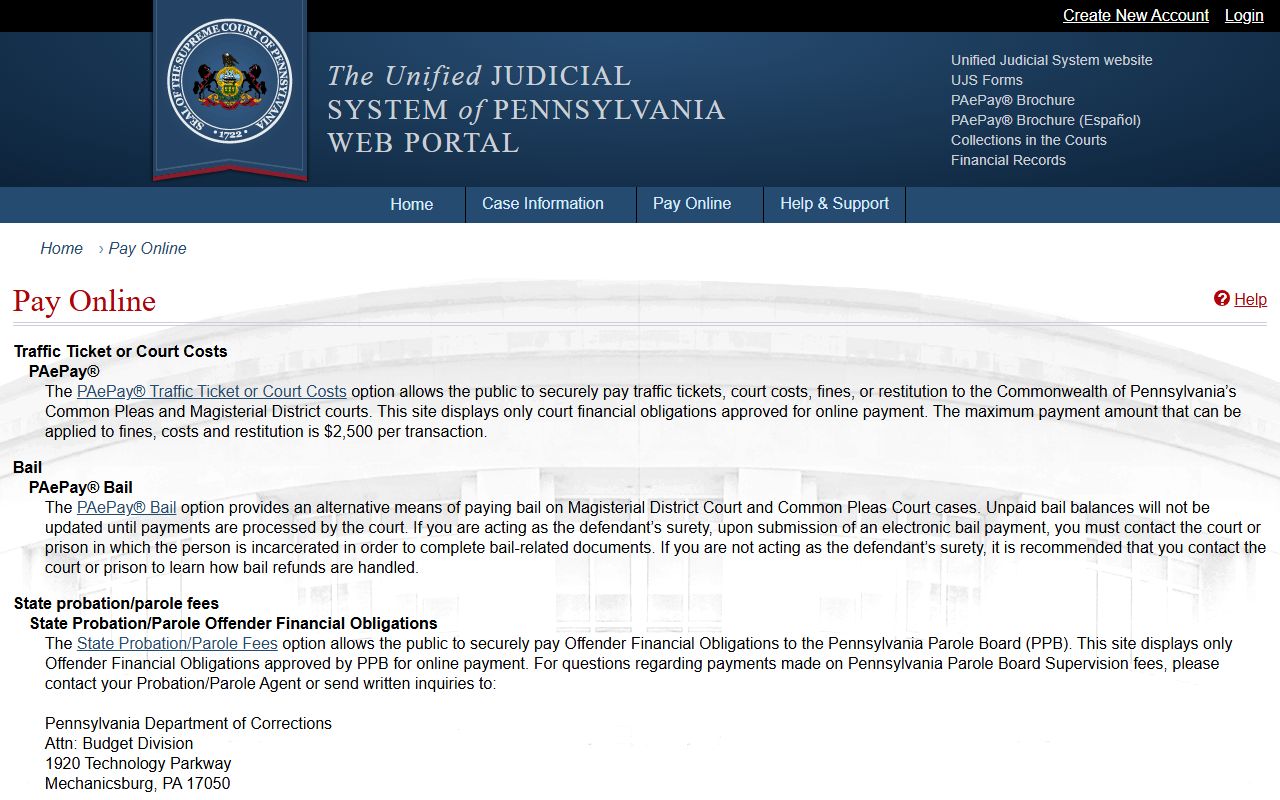
That page is the gateway for paying an eligible Lancaster County traffic ticket and for confirming whether a case is even payable online. The steps below walk through the full path from ticket to disposition.
- Read the citation and note the issuing Magisterial District Court, the citation number, the due date, and the plea or payment instructions.
- Search the UJS Case Search by Citation Number, typing the number exactly as printed, including dashes.
- To pay, open PAePay Traffic Ticket or Court Costs, confirm the case is eligible, add it to the cart, enter the amount, and keep the receipt.
- If the portal says payment cannot be made online, contact the issuing court listed on the citation or the UJS docket.
- To contest, follow the plea instructions on the citation and contact the Magisterial District Court directly.
- CDL holders and drivers facing serious offenses should get legal advice before pleading, since a disposition can trigger mandatory reporting.
- After the case ends, check the PennDOT driver record separately if points, suspension, restoration, or insurance matters.
The next image is the PAePay traffic court FAQ, which covers search and payment troubleshooting in plain terms. It is posted on the PAePay TTCC FAQ page.
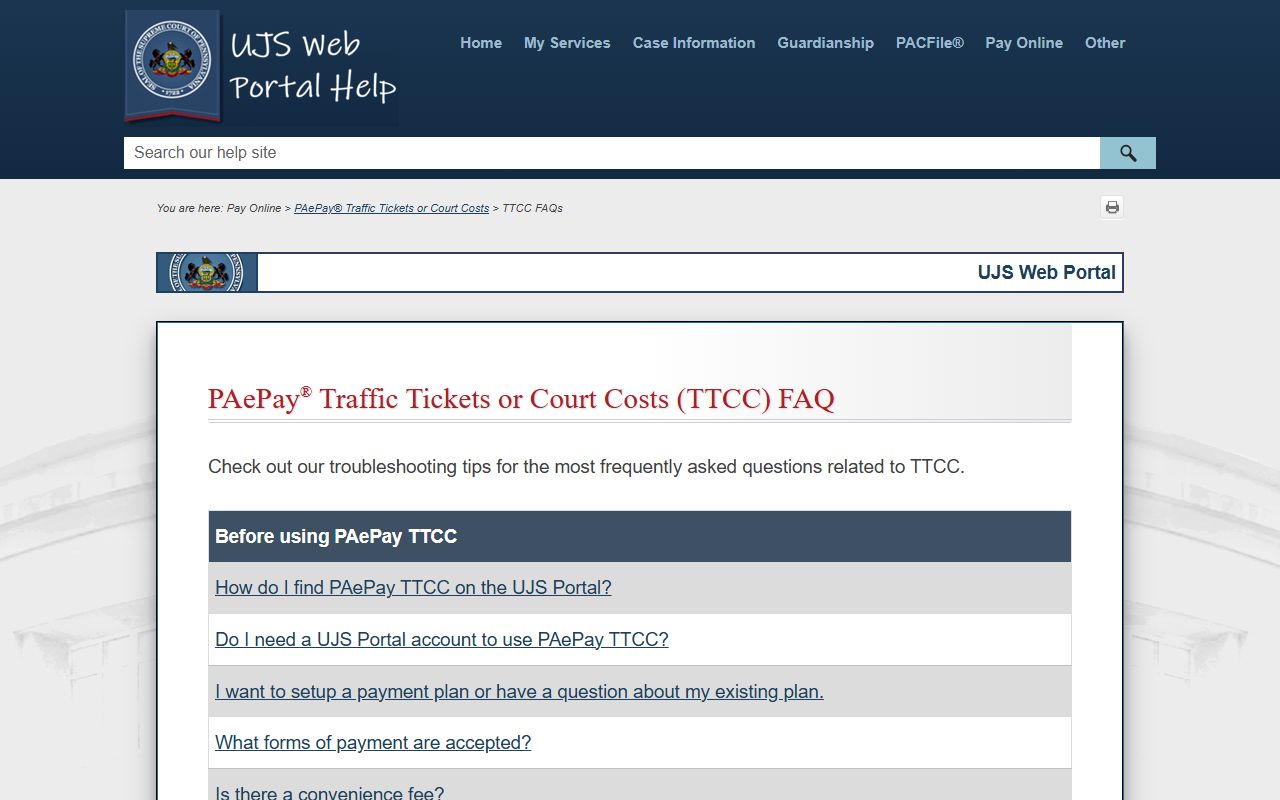
The FAQ also explains why a case may not appear when you search by name, docket, citation, or payment-plan number, which saves a lot of guesswork.
Note: The Sheriff's Office will never demand payment for a missed court date by phone, gift card, or online threat, so treat any such call as a scam.
Public Access Laws for Traffic Court Records
Most Lancaster County traffic court records are open to the public, but court files do not follow the same path as ordinary county paperwork. Courts, clerks, and magisterial district judges are treated as judicial agencies. They release case records under the statewide UJS public-access policy and financial records under a court rule, rather than the standard local-agency process. That is why a traffic docket is searched on UJS, not requested like a county email or memo.
A few laws frame access. The Judicial Code in Title 42 sets court jurisdiction and structure, including the appeal path from the minor courts. The Vehicle Code in Title 75 defines the offenses and penalties that fill a traffic record. The UJS public-access policy controls what a docket shows and what stays confidential, such as Social Security numbers and certain identifiers. A "no result" on UJS can mean a record is sealed or limited, not that the case never existed.
Key Statutes:
Pennsylvania Judicial Code, 42 Pa.C.S. - sets court jurisdiction and the appeal path from Magisterial District Courts to Common Pleas.
Pennsylvania Vehicle Code, Title 75 - defines traffic offenses, grades, and penalties cited on a traffic docket.
Court Traffic Record vs State Driver Record
This is the distinction that confuses the most people. The court traffic record is the case file for a citation, kept by the Magisterial District Court and visible on UJS. The PennDOT driver record is a separate state file that tracks license status, convictions, points, and suspensions. The court decides the citation. PennDOT then maintains the driving record and applies points based on what courts and police report. A driver often needs both files to see the full picture.
Points live with PennDOT, not the court. The state removes three points for every 12 consecutive months a driver goes without a suspension or a new point violation. Once a record hits zero and stays there for a year, future points are treated as a first accumulation. Drivers under 18 face a 90-day first suspension at six or more points, or for a conviction of driving 26 mph or more over the limit. The point system is explained on the official PennDOT page.
The image below shows the Pennsylvania point system page, the source for how convictions turn into points. You can read it on the PennDOT point system page.
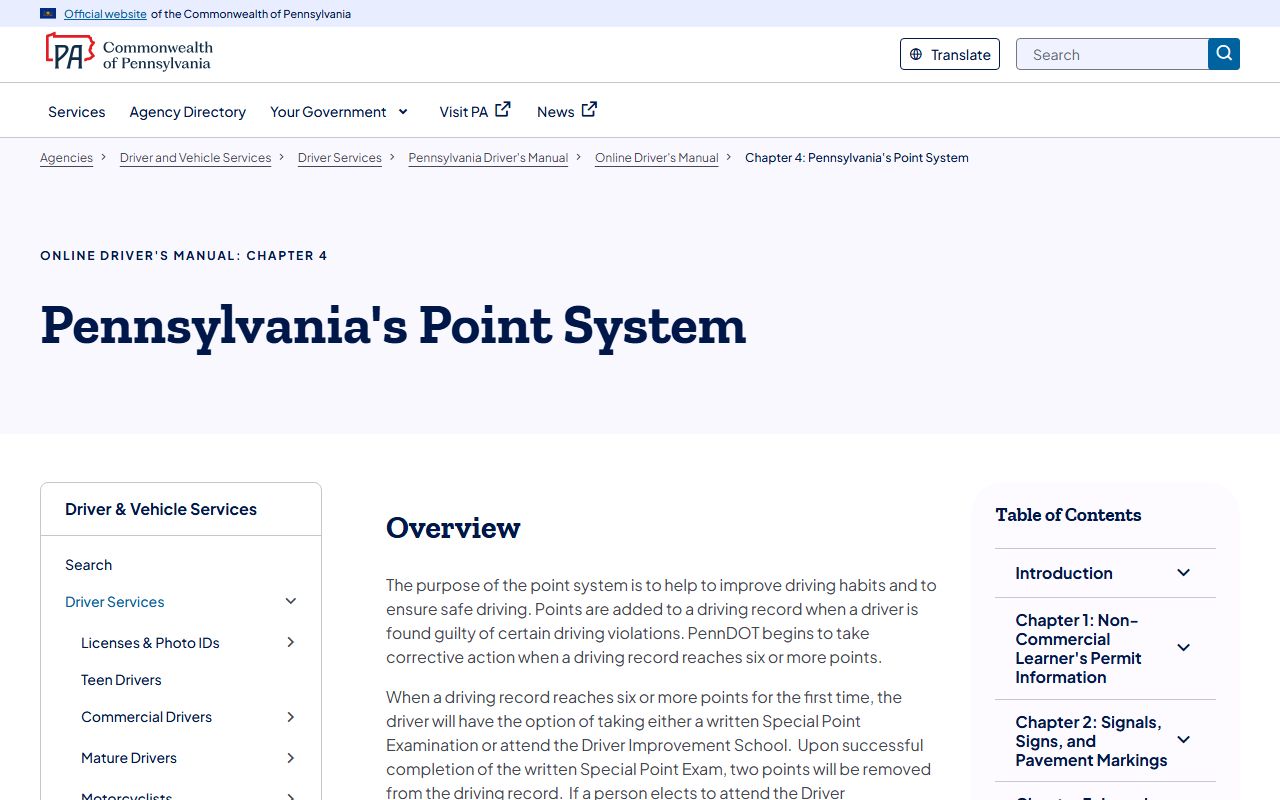
The point rules apply after a court reports a conviction, which is why a clean docket and a clean driver record are not always the same thing. The table compares the two records point by point.
| Topic | Court Traffic Record | PennDOT Driver Record |
|---|---|---|
| Custodian | Magisterial District Court / UJS; Common Pleas on appeal | Pennsylvania Department of Transportation |
| Purpose | Case file for the citation, plea, disposition, fines, and costs | Driver history of license status, convictions, points, and suspensions |
| Search key | Citation number, MJ docket, participant name, county | Driver license number, date of birth, last four of SSN, record type |
| Payment | PAePay TTCC for eligible court obligations | Driver-record fee to PennDOT; not ticket payment |
| Points | May show statute and disposition; points are a PennDOT consequence | Applies and reports points under the state point system |
| Certified copy | Court-certified docket or case copy from the court | Certified driver history through Form DL-503 |
| Online limits | Limited-access cases not viewable or payable online | Driver privacy rules; certified histories require a form |
The PennDOT driving-record details sit in Chapter 4 of the state driver manual. You can review the request rules on the PennDOT driving record information page.
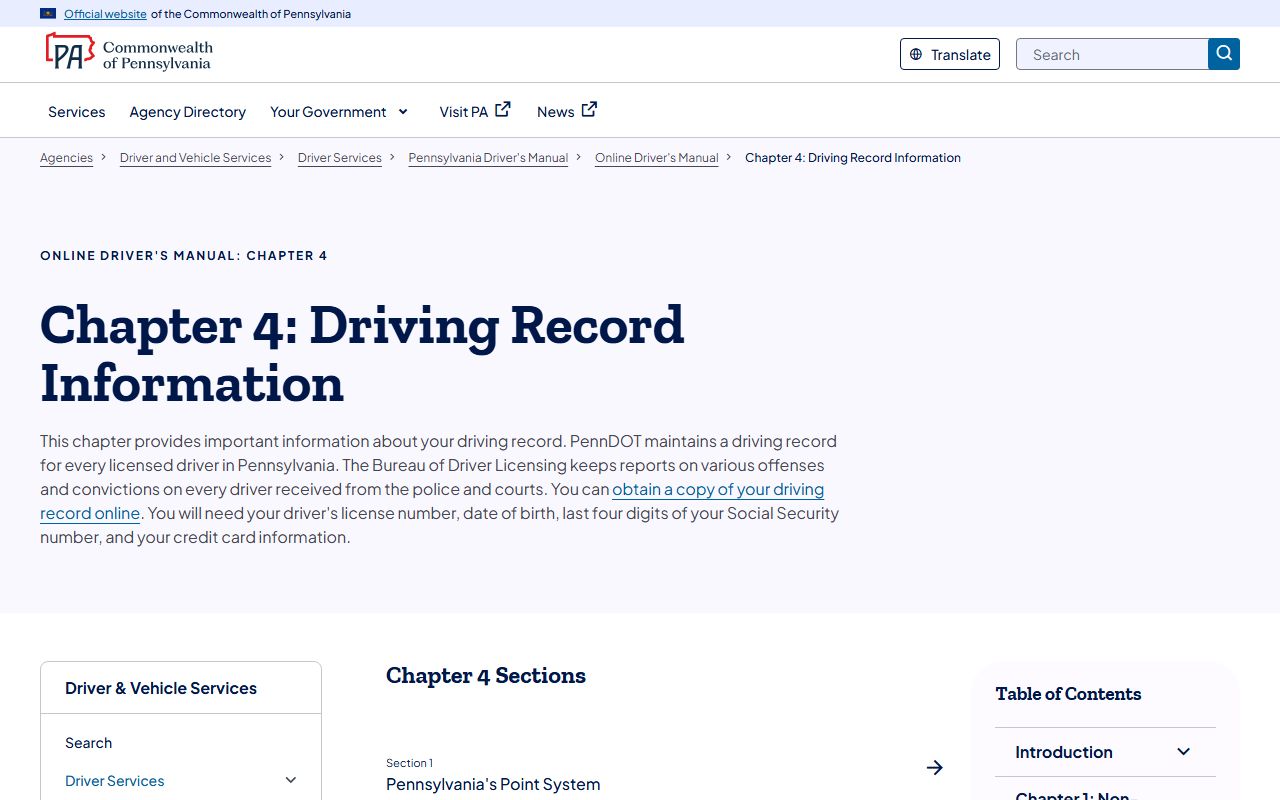
That chapter explains that PennDOT keeps a driving record for every licensed driver in the state, built from reports the courts and police send in.
CDL and Commercial Driver Records
Commercial drivers face tighter rules than other motorists. A traffic disposition for a CDL holder can trigger mandatory state and federal reporting that a regular driver would not face. Some violations that a non-commercial driver could resolve quietly carry added consequences for a commercial license. A conviction in a Lancaster County traffic case can reach the driver's CDL record through PennDOT.
Because the stakes are higher, a CDL holder should get legal advice before entering a plea on a serious traffic charge. A quick guilty plea to clear a ticket can carry license consequences that outlast the fine. The court traffic record shows the case. PennDOT shows the license effect. A CDL driver usually needs to check both.
DUI and DWI Cases
A DUI charge is not a routine traffic ticket. In Pennsylvania, driving under the influence is filed as a criminal case, so it appears under criminal dockets on UJS and runs through the Clerk of Courts rather than a simple Magisterial District Court traffic docket. The case can carry jail, probation, fines, and a license suspension reported to PennDOT.
For full Lancaster County DUI and DWI case information, see Lancaster County arrest and criminal records. That page covers how criminal dockets are searched and how charges differ from convictions.
Deferred Adjudication and Defensive Driving
Drivers often ask whether a class or a deferral can keep a ticket off the record. Options vary by court, by the charge, and by the driver's history, so the issuing Magisterial District Court is the right place to ask. A diversion or a reduced plea, where a court allows it, can change the disposition that appears on the traffic docket. The result still shows on the court file, just under a different outcome.
Any deferral has a separate effect on the state driver record. PennDOT applies points and license actions based on what a court reports as a conviction. So a plea that avoids a conviction may also avoid points, while a guilty plea usually does not. CDL holders should be extra careful here, since some commercial violations are not eligible for the same relief. When license points or insurance matter, confirm both the court outcome and the PennDOT record.
Sealing or Expunging Traffic Records
Clearing a traffic record is a legal process, not a clerical deletion on request. Pennsylvania allows expungement and limited access for some cases, but eligibility turns on the offense, the disposition, and the driver's history. Summary traffic convictions have their own rules, and many minor offenses age off differently from criminal cases. A petition goes through the court, not the portal.
For cases tied to the Court of Common Pleas, a petition is filed with the Clerk of Courts and usually needs a Pennsylvania State Police background check, correct docket and OTN data, and a signed court order before any agency updates a record. UJS removes limited-access and expunged cases from public view, which is one reason a search can come back empty. A petition can fail for an ineligible offense, missing paperwork, or a new conviction, so many people seek legal help first.
Fees for Traffic Record Copies
Searching a traffic docket on UJS is free. Fees come in when you need a paper copy, a certified copy, or a state driver history. The court that keeps the file sets the copy fee, and a certified driver history from PennDOT is requested on a separate form. Confirm the current amount with the court before you mail a payment, since offices update their schedules and many do not take personal checks.
| Item | Amount / Method |
|---|---|
| UJS traffic docket search | Free online |
| Plain court copy | $0.25 per page (court copy rate) |
| Certified court copy | Set by the issuing court; confirm before payment |
| PennDOT driver record (online) | State fee; needs license number, date of birth, last four of SSN, and a card |
| Certified PennDOT driver history | Requested only by Form DL-503 |
The driver-record request page is the place to start for a state history. The image below comes from the PennDOT driver record request service, where you choose a three-year, ten-year, or full history. You can use it on the PennDOT driver record request page.
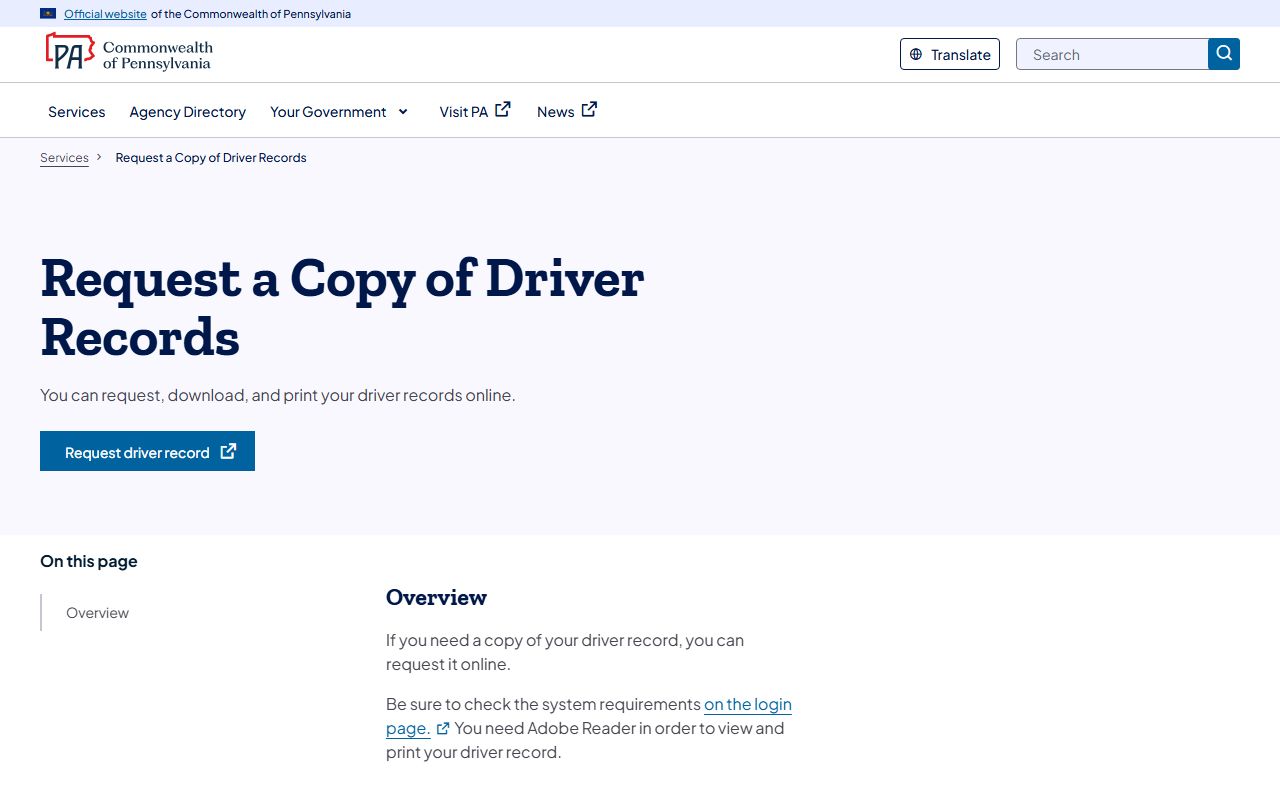
An online history needs a license number, date of birth, the last four of the SSN, and a card, while a certified history is only available through Form DL-503.