
What Is a Lancaster County Court Docket
A docket is the official, time-ordered list of everything that happens in a case. Each line, called a docket entry, marks one event. It could be a complaint, a motion, an order, a hearing, a continuance, a payment, or an appeal. Read top to bottom, the docket shows how a case opened, moved, and closed. It also names the court, the parties, and the case number. In Lancaster County, dockets cover civil suits, criminal charges, family matters, traffic citations, and minor-court claims. The custodian changes with the case type, but the basic shape of a docket stays the same.
A docket is not the same as the full case file. Think of the docket as the index and the case file as the box of documents behind it. The docket may list a motion or an order by date and title without giving you the actual PDF. To get the underlying paper, you often need to contact the filing office or pay a copy fee. For the full picture of what a complete file holds, the Lancaster County court records page covers custodians, copies, and access in more depth.
Most Lancaster County dockets are public. Some are not. Juvenile, expunged, and limited-access cases are held back from open view even when a case truly exists.
How to Search Lancaster County Court Dockets Online
The search starts with the right portal. Criminal, traffic, non-traffic, Magisterial District Court, and appellate dockets live on the statewide Pennsylvania UJS Case Search. Civil Court of Common Pleas dockets run through the Prothonotary's CountySuite Civil Public Search. Both tools are free. UJS covers cases across the whole state, so you set the county filter to Lancaster to trim results down to local cases. CountySuite is Lancaster only and built for civil and family matters.
Bring whatever you have before you start. A name works for a broad look. A docket number, a citation number, or an offense tracking number gets you a precise hit. Common Pleas dockets begin with CP. Magisterial District Court dockets begin with MJ. The steps below walk through a basic docket search on the statewide portal.
- Open the UJS Case Search portal for criminal, traffic, and minor-court dockets, or open CountySuite for civil and family dockets.
- Pick a search type. Most readers use participant name, docket number, citation number, or OTN.
- Enter the name or number, then set the county to Lancaster to narrow a statewide search.
- Add filters if you need them, such as a case status or a filing date range.
- Open the matching case and read the docket entries from the first filing to the last.
- Request a copy from the filing office if you need a document the docket lists but does not display.
If a name is common, the extra filters pay off fast. A case category, a date window, or a status value cuts a long result list down to the case you want.
UJS Case Search Docket Fields
The UJS Case Search lets you choose a search type before you type anything. That choice changes the rest of the form. The portal supports many modes, but four cover most Lancaster County docket lookups: participant name, docket number, citation number, and OTN or complaint number. Search by docket number when you have one. Search by participant name when you do not. A date-filed search has a 180-day cap on its range, so a wide window will not run. The table lists the fields people use most on the statewide portal.
| Field Label | Type | Required | Notes / Format |
|---|---|---|---|
| Search By | Dropdown | Yes | Docket Number, Participant Name, Citation Number, OTN, Complaint Number, Incident Number, Date Filed, Attorney, Calendar Event, and more. |
| Docket Number | Text | If selected | CP for Common Pleas cases; MJ for Magisterial District Court cases; MC-51 for Philadelphia Municipal. |
| Citation Number | Text | If selected | Includes a dash, such as A5368532-1. |
| County | Dropdown | Optional | Choose Lancaster to narrow a statewide search. |
| Case Status | Dropdown | Optional | Active, Active/Disposed, Adjudicated, Closed, Inactive, and related values. |
| Date Filed range | Date | If date search | mm/dd/yyyy; a 180-day limit applies to date-filed searches. |
An OTN, or offense tracking number, ties together the charges in a criminal case across the system. A complaint number works much the same way for the originating filing. Both are strong search keys when a name returns too many hits. For criminal and traffic dockets that started in the minor courts, the same UJS portal also pulls Magisterial District Court entries, so one search can surface both levels of a case.
CountySuite Civil Docket Search in Lancaster County
Civil Common Pleas dockets do not show on the statewide UJS portal in the same way criminal cases do. For those, the Prothonotary's CountySuite Civil Public Search is the local door. It is built for Lancaster civil and family matters, and it adds search modes UJS does not. You can search by name or case number, by case number alone, by participant name, by participant address, or by reference numbers. The participant-address mode is useful when you know where a party lived but not the exact spelling of a name.
Advanced filtering opens up more control. You can set a date range for when cases opened, limit results to a single case category, show only cases with judgments, restrict by participant role, and include attorneys in a name search. The category list is long. It runs from broad groups like civil contract, real property, and tort, down to specific filings such as change of name, mechanics lien claim, and writ of execution. For a case under a common name, the category and date filters cut the noise quickly.
Reference numbers deserve a note. CountySuite lets you search by reference number, which helps when a case carries an internal ID from a prior filing or a transferred matter. Civil dockets here include divorce, custody, and Protection from Abuse filings, all handled on the civil side by the Prothonotary.
Note: A civil Common Pleas case may not appear on UJS at all, so a blank UJS result for a civil matter does not mean the case is missing.
Reading Lancaster County Docket Numbers
A docket number is the unique ID for a case. The prefix tells you which court holds it. In Lancaster County, Common Pleas cases use the CP prefix, written as CP-36 followed by more digits, since 36 is the county code for Lancaster. Magisterial District Court cases use the MJ prefix. So a number that starts CP-36 points to the trial court of general jurisdiction, while an MJ number points to a local minor court. Appellate cases use their own formats, such as a number followed by WDA, EAL, or CD and a year.
Why does the prefix matter for a docket search? It tells you where to look and which portal to use. A CP criminal docket and an MJ traffic docket can both show on UJS, but a CP civil docket usually runs through CountySuite. Get the prefix right and you avoid a dead-end search. The Court of Common Pleas page explains the trial court and the Magisterial District Courts in more detail, including the local judges and their offices.
What a Lancaster County Docket Record Shows
Open a docket and you see a fixed set of fields no matter the case type. The header names the court, the county, and the case caption. Below it sit the parties, the attorneys, the status, and the filing date. The body of the docket is the entry list, where each line marks an event by date. Criminal and traffic dockets add charge and citation data. The table breaks down the fields you will see most often on a Lancaster County docket sheet.
| Field | What It Shows |
|---|---|
| Docket Number | The unique case ID; CP for Common Pleas and MJ for Magisterial District Court. |
| Court / County | Lancaster County Court of Common Pleas or a specific Magisterial District Court. |
| Case Caption | The case title, such as plaintiff v. defendant or Commonwealth v. defendant. |
| Case Status | Active, Active/Disposed, Adjudicated, Closed, or Inactive. |
| Filing Date | The date the case opened or the complaint was filed. |
| Parties | Names and roles, such as plaintiff, defendant, petitioner, or the Commonwealth. |
| Attorneys | Counsel names and the party each one represents, where public. |
| Docket Entries | Every filing, order, motion, hearing, continuance, payment, and appeal in date order. |
| Hearings | Calendar events with date, time, courtroom, and the judge or MDJ. |
| OTN / Charges | The offense tracking number, statute, grade, and charges on a criminal case. |
| Disposition | The outcome of a charge, claim, or case. |
One field worth a second look is the entry list. It is the heart of the docket and the part that changes as a case moves. Each entry pairs a date with a short label, so a quick scan shows the latest action and what comes next.
Hearing and Calendar Fields on Lancaster County Dockets
Many people search a docket for one reason: to find a hearing date. Calendar entries show the event type, the date, the time, the courtroom, and the judge or Magisterial District Judge when that data is public. A docket may list a preliminary hearing, a pretrial conference, a trial, a status conference, or a sentencing. The same calendar data feeds the court's public case calendar, which lists upcoming events by day rather than by case.
The county publishes a court case calendar that pulls from the same docket data. You can view it on the Lancaster County Court of Common Pleas case calendar page.
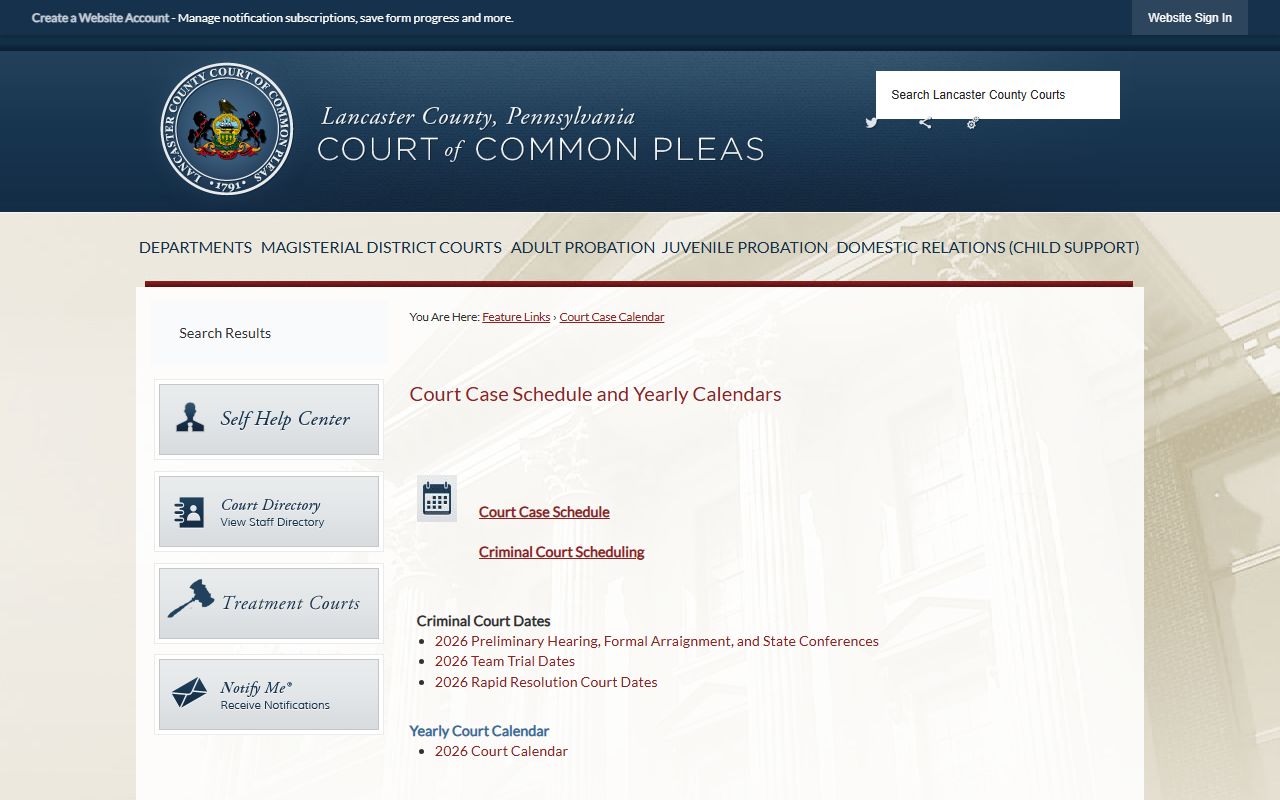
That calendar is handy when you know a case is set but want the courtroom and time without opening every docket entry by hand.
Docket vs. Full Case Record in Lancaster County
A docket and a full case record are not the same thing. The docket is a list of events. The full record is the stack of documents those events produced. A docket entry might read "Motion to Continue filed" with a date, but the motion itself, the brief behind it, and the judge's signed order may not be one click away. Online dockets often list entries without the underlying PDF. To read or copy the actual document, you go to the office that keeps the file.
This gap surprises people who expect a docket to hand over every page. It does not. The comparison below sums up the practical difference between the two.
| Docket | Full Case Record | |
|---|---|---|
| Format | List of dated entries | Full filed documents |
| Access | Often online and free | May need a fee or a courthouse visit |
| Detail | Event titles and dates | Motions, orders, exhibits, transcripts |
| Use | Track status and hearings | Legal review and evidence |
For most quick questions, the docket is enough. When you need the paper itself, the filing office is the next stop. Criminal documents and record-check letters come from the Clerk of Courts, while civil files come from the Prothonotary.
Lancaster County Docket Entry Glossary
Docket entries use a short, repeated vocabulary. Once you know a handful of terms, most entries read plainly. The definitions below cover the words that show up most on a Lancaster County docket.
- Docket
- The official chronological record of a case, listing every filing and event in date order.
- Docket Number
- The unique case identifier; CP marks a Common Pleas case and MJ marks a Magisterial District Court case.
- Motion
- A written request asking the judge to take a specific action in the case.
- Praecipe
- A written direction telling the clerk to issue or enter something on the record.
- Order
- A judge's written direction or ruling on a matter before the court.
- Disposition
- The outcome of a charge, a claim, or the whole case.
- Continuance
- A postponement of a hearing or a deadline to a later date.
A few more terms help on criminal dockets. A charge is not a conviction. A nolle prosequi entry means the prosecutor chose not to proceed on a charge. Limited access marks a case that has been sealed from public view while courts and police can still see it. The criminal records page covers charges, dispositions, and record checks in more depth.
Why Some Lancaster County Dockets Do Not Appear
A blank search result does not prove there is no case. Several rules keep certain dockets out of public view, and several technical limits can hide a case that does exist. The UJS portal warns that some case and calendar information will not display even with the right search terms. Knowing the gaps keeps you from drawing the wrong conclusion from an empty page.
Restricted categories are the main reason a docket stays hidden. So is the portal split between systems. The list below covers the common reasons a Lancaster County docket may not show.
- Juvenile cases are generally restricted and do not appear in a public docket search.
- Expunged cases are removed from public view once the order is processed.
- Limited-access cases under Act 5 of 2016 are sealed from the public while law enforcement and courts retain access.
- Civil cases in the Courts of Common Pleas often do not show on UJS and must be searched on CountySuite instead.
- A name spelled or entered slightly differently than the court record can return no match.
- Date-filed searches are capped at a 180-day range, so a wide window will not run.
When a search comes up empty, try a second portal, a different search type, or a wider name. If the record is truly sealed, only a party, an attorney, or someone the court authorizes can view it.
Appeals and Transfers on Lancaster County Dockets
A docket does not always end where a case began. Cases move between courts, and the docket tracks that path. An appeal from a Magisterial District Judge goes up to the Court of Common Pleas, where it gets a new CP docket. From Common Pleas, criminal and most civil appeals head to the Superior Court, while government and administrative matters go to the Commonwealth Court. The Clerk of Courts processes criminal appeals to the higher courts, and the Prothonotary handles civil appeals.
Transfers leave a trail too. A case that moves into the county from elsewhere shows a transfer-in entry on the docket, sometimes with a new local number. CountySuite even lists transfer-in categories for civil and divorce matters. So when you read a docket, the entries near the start and end often tell you whether a case arrived from another court or left for one. To follow a case across systems, the Court of Common Pleas page and the court records page map how the levels connect.
Federal appeals run on a separate track and do not appear on county or state portals at all.